
Technology
Wired vs Wireless Emergency Call Points: How to Choose
A side-by-side comparison of wired and wireless emergency call points for retrofits in occupied buildings.
Read article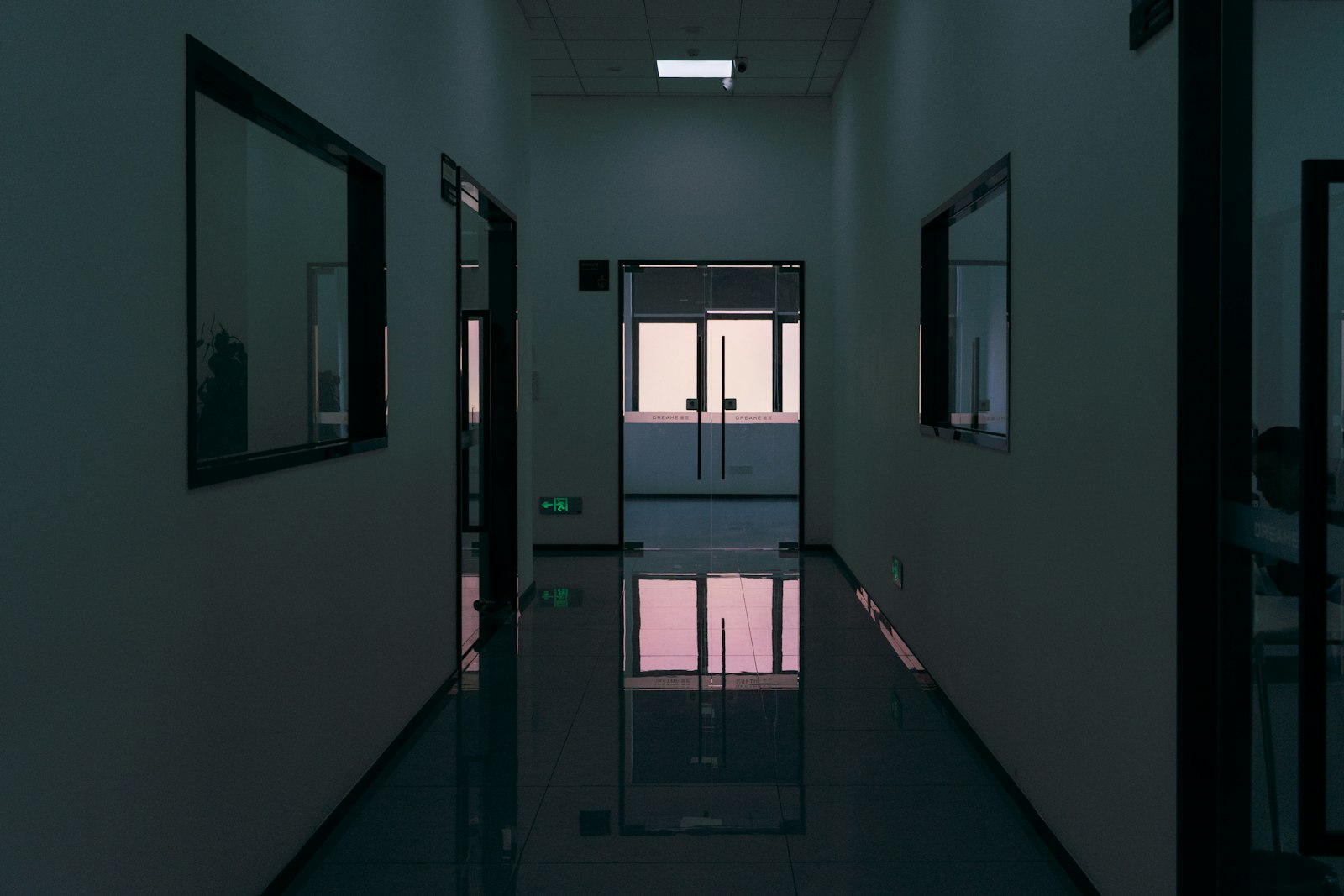
Secure. Instant. Scalable. Place. Push. Prevent.
Campuses, hospitals, schools, and multi-building sites are hard to cover with wired systems. One press sends the right alert with room-level location and clear on-device confirmation — across every floor, wing, basement, and outbuilding.
University campuses, hospitals, schools, corporate towers, and industrial sites span many floors, wings, and separate structures. Wired systems are costly to retrofit, hard to scale, and rarely tell responders which room to go to.
How It Works
Every step is wireless, logged, and confirmed back on the device display.
Built for Scale
One wireless network covers the whole site — no cabling between floors, wings, or outbuildings.
A few gateways cover multiple buildings, annexes, and outdoor areas — no cabling between structures.
LoRaWAN penetrates concrete, stairwells, and underground levels where Wi-Fi and cellular fade out.
Every alert arrives tagged with building, floor, and room so responders never search for the incident.
Roll out from one wing to an entire estate with central monitoring, testing, and battery health at scale.
The Product
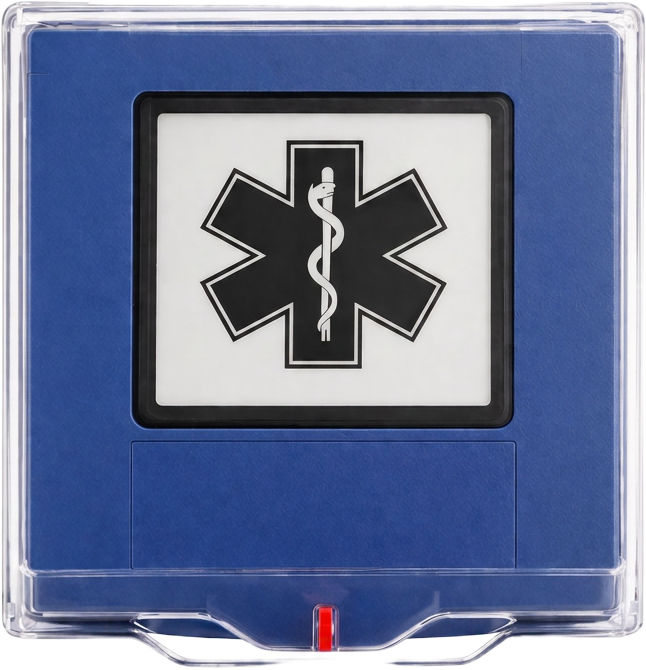
A LoRaWAN Class A wireless emergency button with an E-Ink feedback screen. Press once to trigger predefined workflows and notify the right teams—while confirming status to the person who pressed.
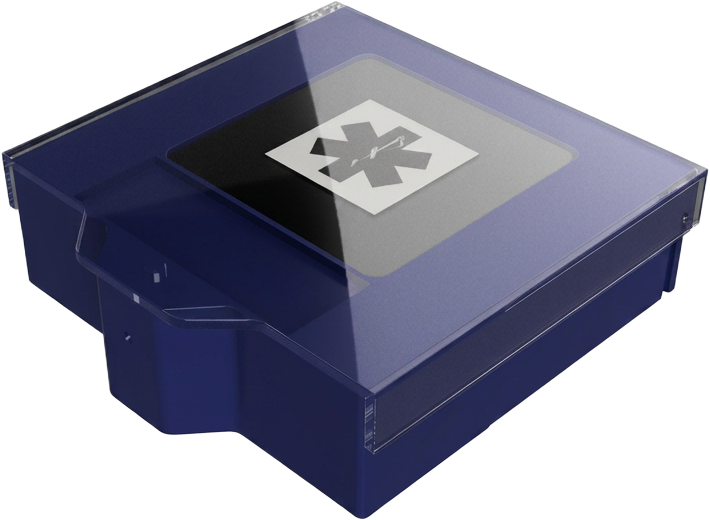
LoRaWAN connectivity eliminates wiring costs. Deploy across multiple buildings with minimal infrastructure.
On-device feedback shows alert status and next steps. Visible in all lighting conditions.
Battery-powered with multi-year life. Remote monitoring and firmware updates reduce maintenance.
How It Works
Install in rooms, corridors, entrances, and high-risk zones.
Single press sends a LoRaWAN signal to your network gateway. No complex sequences. No delays. Designed for use under stress.
Clear routing and guidance reduce confusion and escalation. The right team responds with full situational awareness.
Use Cases
Immediate security response with location context and clear confirmation to the person who pressed.
Specification
Signal Coverage
Illustrative concept showing how LoRaWAN signals reach across buildings. Concentric signal arcs represent long-range wireless coverage across floors and zones.
Low power, long range
Penetrates building materials
Centralized coverage
FAQ
Insights
Practical articles on emergency call button placement, LoRaWAN alerting, and lone worker safety — written by our team in Switzerland.
Technology
A side-by-side comparison of wired and wireless emergency call points for retrofits in occupied buildings.
Read articleHealthcare
How hospitals implement staff duress alarms that reach security in seconds with a precise location and a visible acknowledgment.
Read articleEducation
What a school panic button system needs to do in practice: classroom coverage, room-level location, and an acknowledgment staff can see.
Read articleTell us your site count and building type. We will propose placement and rollout options.